Is Your Business Email Account Hacked? Signs to Check Now
Business email holds invoices, client data, bank details and password reset links. When someone else gets in, they often stay quiet and watch. Knowing the early signs helps you act before money or data is lost.
What are the signs that your business email account is hacked?
Common signs your business email account is hacked are sign-in alerts from places you do not recognise, sent emails you did not write, new forwarding rules or filters, missing emails, changed recovery details, password reset mails for other accounts, and clients asking about odd payment requests from you. If you see even one, act at once.
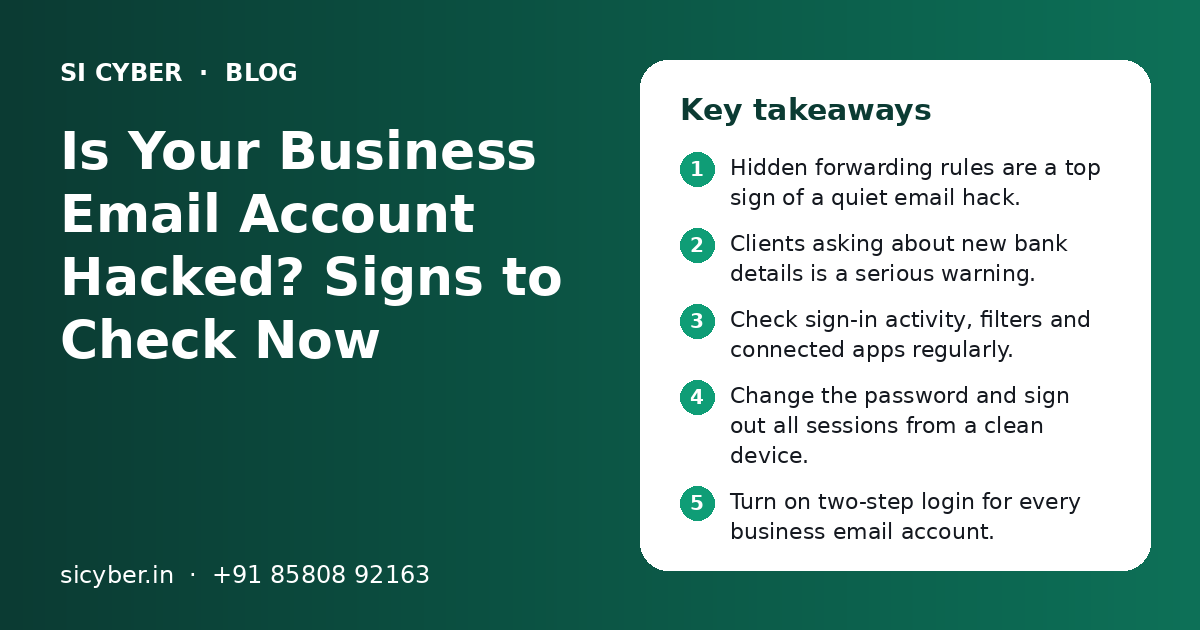
Key takeaways
- Hidden forwarding rules are a top sign of a quiet email hack.
- Clients asking about new bank details is a serious warning.
- Check sign-in activity, filters and connected apps regularly.
- Change the password and sign out all sessions from a clean device.
- Turn on two-step login for every business email account.
Why do attackers want your business email?
Attackers want business email because it gives them money, data and control. From one inbox they can send fake invoices, reset other passwords and read private client details.
Most email hacks do not look dramatic. The attacker does not delete everything or change your name. They log in quietly, read your mail and wait for the right moment, such as a large payment.
In India, a common pattern is a mail that looks like it comes from a known supplier or from the owner, asking to send payment to a "new" bank account or by UPI. Because the mail comes from a real account, people trust it.
This is why spotting the signs your business email account is hacked early matters so much. The sooner you notice, the less time the attacker has.
What are the main signs your business email account is hacked?
The main signs are unusual sign-ins, emails you did not send, rules or settings you did not create, missing messages and complaints from contacts. Use the table below to check each one.
| Warning sign | What it may mean | How serious |
|---|---|---|
| Sign-in alert from a new city, country or device | Someone else used your password | High |
| Emails in Sent folder you did not write | Attacker is sending from your account | High |
| New forwarding rule or filter | Copies of your mail go to the attacker | High |
| Clients ask about a change in bank details | Fake payment requests sent in your name | Very high |
| Recovery phone or email changed | Attacker is trying to lock you out | Very high |
| Password reset emails for other services | Attacker is using your email to take over other accounts | High |
| Emails missing or marked as read | Attacker is reading or hiding messages | Medium to high |
| Many bounce-back messages | Your account is sending spam | Medium to high |
| Unknown apps with access to your mailbox | A third-party app can read your mail | Medium to high |
One sign alone is enough reason to check properly. Do not wait to see a second one.
Signs your staff may notice first
Often, the owner is not the first to notice. An accountant may see a strange payment request. A sales person may hear from a client that "your email asked me to pay a different account". Tell staff to report these things the same day, even if they feel unsure.
Why are hidden forwarding rules so dangerous?
Forwarding rules are dangerous because they keep sending copies of your emails to the attacker even after you change your password. Many owners miss them because they never look at mail settings.
An attacker who gets in once can create a rule such as: "forward every email with the word invoice or payment to this outside address". Another common trick is a filter that moves replies from a certain client to Trash or Archive, so you never see them.
- Open your email settings and look at forwarding addresses.
- Check filters or rules for anything you did not create.
- Look for rules that delete, archive or mark mail as read.
- Check rules that mention words like invoice, payment, bank or transfer.
- Remove any outside forwarding address you do not recognise.
- Ask your email admin to check rules for every staff mailbox, not just yours.
How do you check if your business email is hacked, step by step?
Check from a clean device: review recent sign-in activity, sent mail, forwarding rules, recovery details and connected apps. This takes about half an hour for one mailbox.
- 1
Use a clean device
If you think your laptop may have malware, use another trusted device to check, so you do not type a new password on an infected machine.
- 2
Review recent sign-in activity
In Gmail, open the details link for last account activity. In Microsoft 365, check the account sign-in activity page. Look for unknown places, devices or times.
- 3
Check the Sent and Trash folders
Look for emails you did not write, especially to clients, suppliers or your accounts team.
- 4
Check forwarding and filters
Open mail settings and look for forwarding addresses, rules and filters you did not create.
- 5
Check recovery details
Make sure the recovery phone number and backup email are still yours.
- 6
Check connected apps
Review third-party apps and sites with access to your account. Remove anything you do not use or know.
- 7
Ask your admin to check logs
If you use Google Workspace or Microsoft 365, the admin console shows more detail, such as sign-ins across all users.
Take screenshots of anything strange before you delete it. These are useful later if you need to file a complaint or explain to a client what happened.
What should you do in the first hour after finding a hack?
In the first hour, lock the attacker out, stop any money going out and warn the people who may be targeted. Do the investigation after the account is safe.
- From a clean device, change the email password to a new, long passphrase that you have never used before.
- Sign out of all other sessions and devices from the security settings.
- Turn on two-step login, using an authenticator app if possible.
- Remove unknown forwarding rules, filters, recovery details and connected apps.
- Call your bank and accounts team at once if any payment request went out or a payment was made.
- Warn key clients and suppliers by phone that any recent bank detail change from your email is not real.
- Change passwords of other accounts that use the same password or could be reset from this email.
- Report to your email admin or IT partner so they can check other mailboxes.
If money has been lost through online fraud, report it quickly to the National Cyber Crime Helpline 1930 or on the cybercrime.gov.in portal, and inform your bank. Speed can help in freezing the transfer.
If your website was also affected, our guide on what to do when your website is hacked covers the steps for that side.
Phishing vs password leak: how do email accounts get hacked?
Most business email accounts are hacked through phishing pages, reused passwords from old leaks, or malware on a device. Knowing the cause helps you close the right door.
| How it happens | Example | Best protection |
|---|---|---|
| Phishing login page | A fake "shared document" link asks you to sign in | Staff training, two-step login |
| Reused password | Same password used on a shopping site that was leaked | Unique passwords, password manager |
| Malware on a device | A fake software download records keystrokes | Updated devices, antivirus, no pirated software |
| Shared passwords | Email password sent on WhatsApp to many staff | Separate logins per person |
| Old staff access | A former employee still has the password | Proper offboarding |
| Weak recovery details | Old recovery number no longer in use | Review recovery details twice a year |
Phishing is the most common starting point. Our phishing protection training teaches staff to spot fake login pages and payment requests. For passwords, see our simple password security policy template.
When people leave the company, their email access should end the same day. Our employee offboarding security checklist lists every account to close.
How can you protect business email from being hacked again?
Protect business email with two-step login, unique passwords, blocked outside forwarding, regular rule checks, staff training and proper domain email records. Together these close most common routes.
Do these
- Turn on two-step login for every mailbox
- Give each staff member their own login
- Block auto-forwarding to outside addresses
- Set up SPF, DKIM and DMARC for your domain
- Confirm any bank detail change by phone
Avoid these
- Sharing one email password among the team
- Using free personal email for company payments
- Logging in to email on shared or cyber cafe computers
- Ignoring sign-in alert emails
- Keeping old staff accounts active
SPF, DKIM and DMARC records do not stop someone from logging in with a stolen password. But they make it harder for attackers to send fake mails that pretend to come from your domain. Our SPF, DKIM and DMARC setup guide explains how they work.
Make one payment rule for the whole team
Write a simple rule: no new bank account or UPI ID is used for payment until someone confirms it by phone, using a number already saved, not the number in the email. This one habit blocks most email payment fraud, even if an inbox is hacked.
When should you get professional help?
Get professional help if money was sent, client data may be exposed, many mailboxes are affected, or you cannot find how the attacker got in.
A proper check looks at sign-in logs for all users, mail rules across the company, connected apps, devices and the domain settings. It also confirms that the attacker no longer has any way back in.
- Payment was made to a fake account after an email request
- You cannot get back into the account at all
- The same problem comes back after you changed the password
- Several staff mailboxes show strange rules or sign-ins
- Client or customer personal data was in the affected mailbox
Personal data in email may bring duties under India's Digital Personal Data Protection Act, 2023, so it is wise to take advice early. Our security monitoring service can watch for unusual activity after the clean-up, and a security audit can find other weak points.
How can SI Cyber help with a hacked business email?
SI Cyber helps you lock out the attacker, find how they got in, check every mailbox and set up protections so it does not happen again, all explained in simple language.
We work with Google Workspace, Microsoft 365 and common hosting email. We also check related risks, such as your website, domain DNS and the accounts that use your email for password reset. Our wider cybersecurity for small business service covers these areas together.
SI Cyber is powered by Shivah Web Tech, with 11+ years of experience. Our team works Monday to Friday, 9:30 to 6:30 IST, from Mohali, and we offer 24x7 emergency support for urgent issues. Contact us for help today.
Related Pages
SPF, DKIM, DMARC Guide
Stop fake emails from your domain and improve inbox delivery.
Phishing Training
Teach your team to spot fake emails, calls and WhatsApp scams.
Password Policy Guide
A simple password and two-step login policy your team will follow.
Security Monitoring
Alerts for downtime, file changes, logins and blacklists.
Frequently Asked Questions
How do I know if someone else is reading my business emails?
Check your recent sign-in activity for unknown devices or locations, and look for emails marked as read that you never opened. Also check mail settings for forwarding addresses and filters you did not create. Forwarding rules are a common way attackers read mail without logging in again. If you find any of these, change your password from a clean device and sign out all sessions.
Will changing my email password remove the hacker?
Not always. A password change helps, but the attacker may still have a forwarding rule, a connected app, an app password, or changed recovery details. Change the password, sign out all sessions, turn on two-step login, then remove unknown rules, apps and recovery details. Only then is the account properly closed to the attacker.
My email is sending spam I did not write. Is it hacked?
It might be. If the spam appears in your Sent folder, someone is likely using your account, so act at once. If it does not appear in your Sent folder, attackers may be faking your address without access. In that case, SPF, DKIM and DMARC records for your domain help receiving servers reject those fake mails.
What should I tell clients after my business email was hacked?
Call your key clients and suppliers, not just email them, and tell them not to act on any recent request to change bank details or make urgent payments. Ask them to confirm any payment request by phone. Keep the message short and honest. If personal data may be exposed, take advice on any further notice you may need to give.
Is two-step login enough to stop email hacking?
Two-step login blocks most attacks that use a stolen password, so it is the most important single step. It is not complete protection. Some phishing pages also try to capture codes, and malware on a device can steal active sessions. Combine it with staff training, unique passwords, updated devices and regular checks of forwarding rules and connected apps.
Where do I report email payment fraud in India?
Report online financial fraud as quickly as possible to the National Cyber Crime Helpline 1930 or on the cybercrime.gov.in portal. Also call your bank straight away and ask them to try to stop or hold the transfer. Keep screenshots of the fake emails, sign-in alerts and payment details, as these help with the complaint.
How often should I check my business email security settings?
Check sign-in activity whenever you get an alert, and review forwarding rules, filters, recovery details and connected apps at least once a month for key accounts like the owner, accounts and sales. Do a full review for all staff mailboxes every quarter and whenever someone leaves the company.
Talk to our team today
Call or WhatsApp +91 85808 92163. We reply fast, Monday to Friday.